Mobile v1.1.0 – Release Notes
Mobile v1.1.0 – Release Notes
25 May 2026
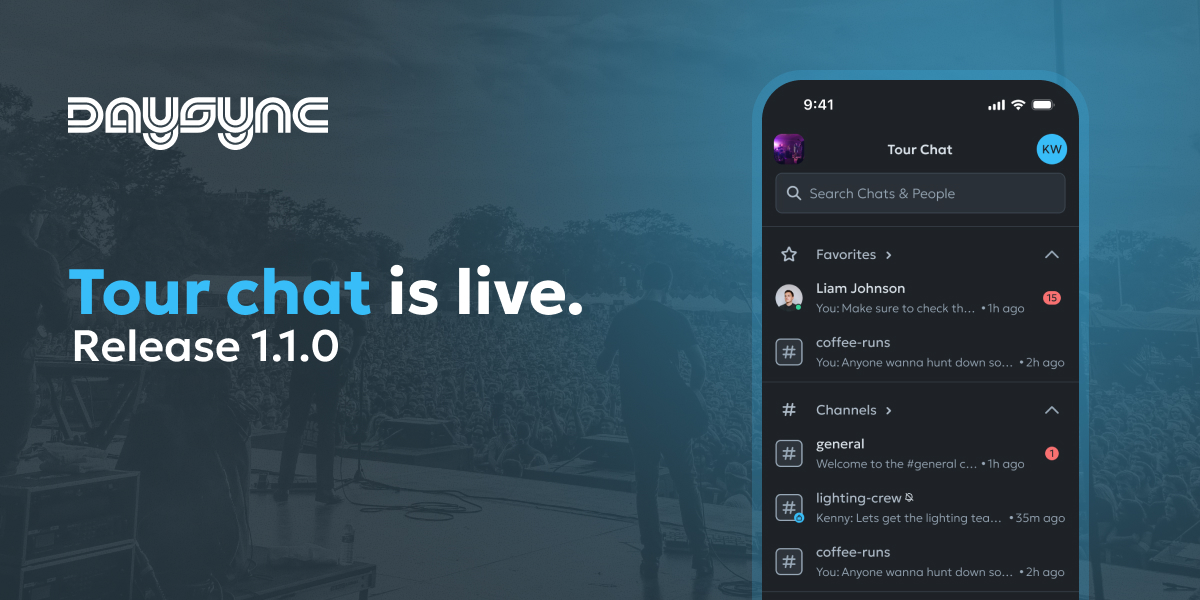
This release puts conversations in your pocket. Team Chat is now fully built into the Daysync mobile app, alongside custom tags, hide-past-dates, and customisable day type colours — so the road crew can stay in sync from anywhere.
What's New
💬 Tour Chat
Daysync mobile now has a full chat experience. Start conversations with anyone on your tour, share files and photos right from your phone, quote-reply to a specific message, and pin the messages your team needs to come back to. A rich text bar, attachment previews, and a dedicated header with quick actions make on-the-road communication effortless.
🏷️ Custom Tags for Schedule Items
Add your own tags to any schedule item — flights, drives, shows, anything — so you can label and find items the way your tour works. Tags sync with the web app and stay consistent for everyone on the team.
👁️ Hide or Show Past Dates
Decide whether you want to see days that have already happened. A new toggle keeps your view focused on what's coming up, with a single tap to bring past dates back when you need them.
🎨 Customisable Day Type Colours
Set your own colour for each day type — Show Days, Travel Days, Days Off, Load Ins, Production, and more. Choices are personal to you and stay consistent across your sidebar and schedule on mobile and web.
Improvements
- Cleaner chat empty states — When you don't have an active tour selected, the chat screen now shows a clear empty state instead of looking blank.
- "You" labelling in direct messages — Your own messages in DMs are now clearly marked as yours.
- Consistent avatar colours — Avatars across the app now use the same colour for the same person, no matter where they appear.
- Smarter typing indicators — When more than three people are typing, you'll see a clean summary instead of a long list of names.
Bug Fixes
Schedule
- Day type colours now appear consistently across mobile and web so the team sees the same thing.
Tours & Members
- Box truck drivers and other crew added to a tour now correctly see the tour they've been assigned to, instead of an incorrect "not on any tours" message.
Thanks for using Daysync. Got feedback? We'd love to hear from you on our Discord: https://discord.gg/dh3vYrF8hZ or directly via email at feedback@daysync.com.
Talk soon, Kenny