Web v1.1.1 – Release Notes
8 June 2026
This release puts you in control of your travel timings, makes the calendar smoother and faster to work in, and clears out a long list of polish fixes across scheduling, chat, and billing. The focus this time was on making everyday planning quicker and more dependable.
What's New
🚗 Manual Travel Times & Live Arrival Preview
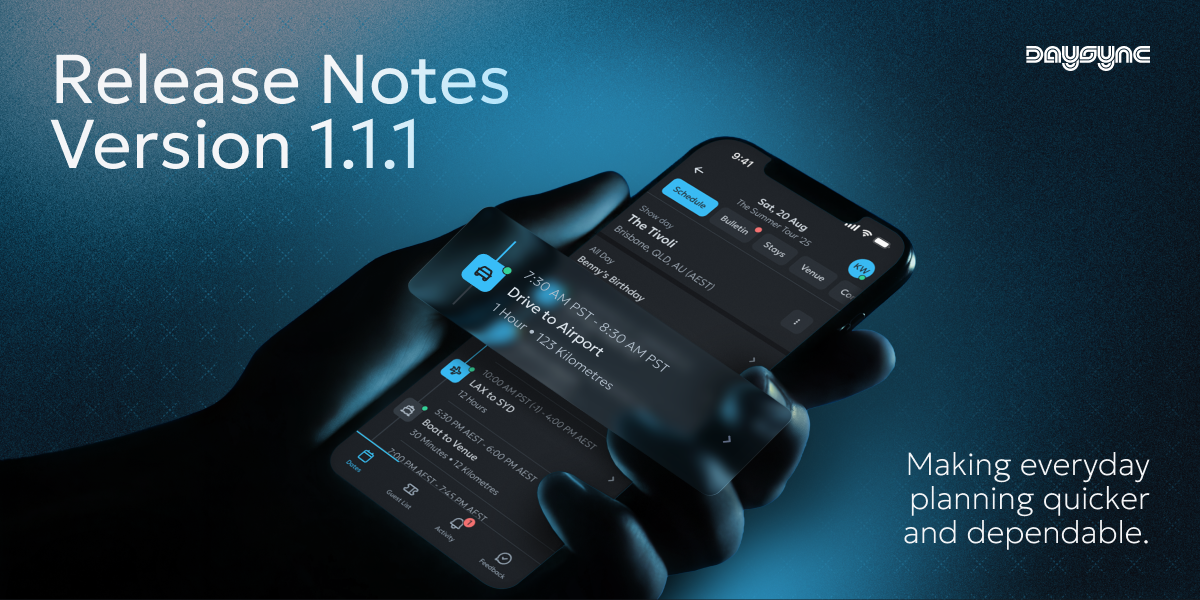
You now have full control over your Drive and Walk items. Switch off Auto-Calculate to enter your own departure and arrival times when you already know how long a leg really takes. With Auto-Calculate on, you'll see the estimated arrival time update live as you set the locations and departure time — no need to save first to find out when you'll get there.
🎨 Customise Day Type Colours
You can now edit the colours used for your day types, making your schedule easier to read at a glance and a better match for the way your team works.
🎬 Video in Chat
Chat now supports video. Attach and send video clips straight into a conversation, and play them inline without ever leaving the chat.
🔔 Chat Notifications on Web
Stay in the loop with new chat notifications on web, so you'll know the moment a message lands.
Improvements
- Faster, smoother scheduling — Dragging items, opening drawers, and moving around the calendar all feel noticeably more responsive.
- Drag across day boundaries — You can now drag events to the day before or the day after, making it easier to reshuffle plans.
- Smarter notifications — Selecting a notification now takes you straight to the exact place it relates to.
- Quicker day switching — Switching between days is faster, with a clear loading state so you always know what's happening.
- Better schedule templates — Another round of improvements makes building and reusing your schedules quicker and more reliable.
- In-app feedback — Added quick in-app surveys so you can share your thoughts without leaving Daysync.
- Connect with other tools — Daysync can now securely connect with other services your team uses, laying the groundwork for deeper integrations.
Bug Fixes
Calendar & Schedule
- Image attachment previews now display correctly after you close and reopen an item.
- Attachments are no longer lost if you close an item while an upload is still finishing.
- The "New Item" and "Today" buttons now work reliably across the day sheet and table views.
- The active day once again shows the current-time indicator.
- Fixed a layout issue affecting certain overlapping calendar items.
Day Location
- A day's venue and city now display consistently, no matter how you set the location.
- City details are now kept after you refresh the page.
- Switching between days no longer carries over an unsaved location from the previous day.
Daylight Saving
- Events around the daylight saving changeover now appear at the correct time in Sydney.
- Resolved daylight saving display issues in the list calendar.
Chat
- Public channels now show every tour member in the member list, not just a few.
Billing
- The "Expand Your Organisation" window no longer jumps in size as you move the seat slider.
Polish
- Sharpened icon line thickness across the web app for a crisper look.
- Theme changes in Preferences now apply across all open tabs without a manual refresh.
- The day header now updates correctly when you move between days via a link.
- Starting a new item from an empty form no longer blocks you with a "title required" message — the empty draft is discarded quietly.
- Tidied up element layering to fix occasional overlapping glitches.
- Smoothed out the skip step on the secondary login method screen.
Thanks for using Daysync. Got feedback? We'd love to hear from you on our Discord: https://discord.gg/dh3vYrF8hZ or directly via email at feedback@daysync.com.
Talk soon, Kenny