Web v1.1.2 – Release Notes
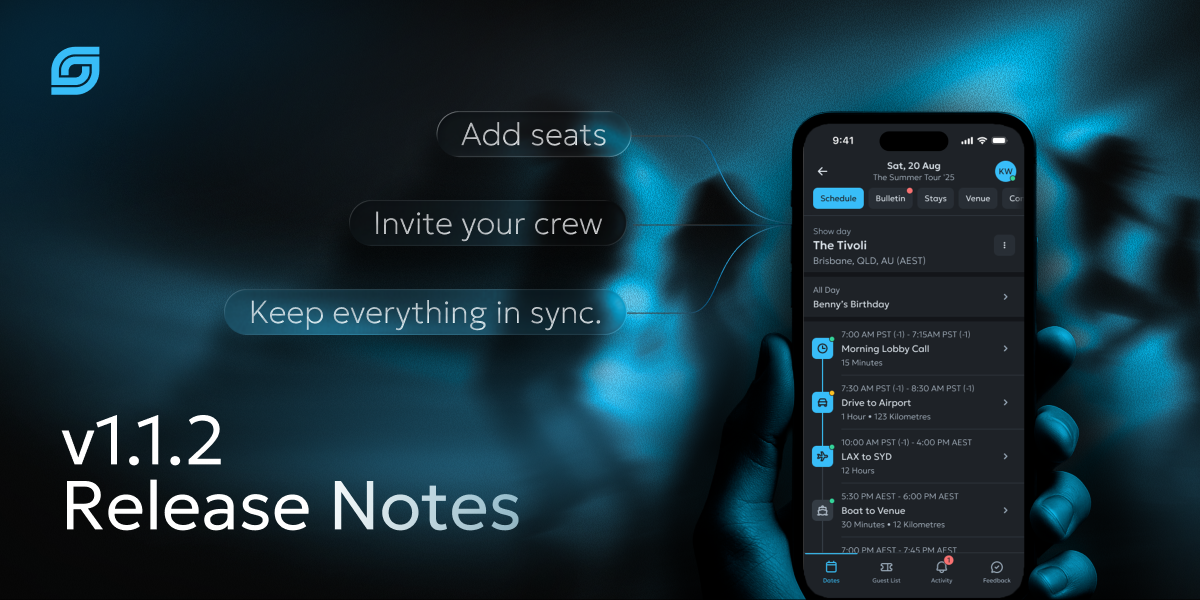
This is one of our biggest web releases yet. Daysync now has a dedicated desktop app for Mac and Windows, a completely reimagined chat, and smarter ways to plan your days — from location search that understands your schedule to clearer time zones and colour-coded day sheets.
What's New
🖥️ Daysync for Desktop
Daysync now has a dedicated desktop app for Mac and Windows that you can download straight from our website. It runs in its own window with its own app icon, shows desktop notifications, and keeps itself up to date automatically — giving you a faster, more focused workspace without living in a browser tab.
💬 A Bigger, Better Chat
Chat has had a major upgrade. You can now reply in threads to keep conversations organised, react to messages with emoji, send voice messages, and @mention people — as well as schedule items, venues, accommodation and more — to point everyone straight to what you mean. You can also give channels their own photo, search the files shared in a conversation, and see who's currently online.
📍 Smarter Location Search
Searching for a location is now far quicker and more relevant. Daysync suggests places based on the type of item you're adding and where the day is taking place — so airports surface for flights, stations for trains, and nearby spots for everything else. Your recently used locations are close at hand, and Daysync can even suggest a city for a day based on its schedule.
🕑 Time-Zone-Aware Schedules
For tours that cross time zones, your schedule now shows the time zone alongside each time, with a clear label on every day. No more working out in your head whether a call time is local or your own — it's spelled out for you.
🎨 Colour-Coded Day Sheets & Tables
The colours you set for your day types now carry through to your day sheet and table views, making it much easier to read your schedule at a glance and recognise the shape of a day in an instant.
🔔 Activity on Web
The activity centre has arrived on web. You can now catch up on your notifications and alerts right from the web app, matching what you've always had on mobile.
Improvements
- Last synced, at a glance — You can now see exactly when Daysync last synced with your tour, so you always know how fresh your information is — especially handy after you've been offline.
- A more compact, resizable layout — A slimmer header plus resizable side panels and timeline give you more room to work and let you set up the web app the way you like it.
- Breaks and layovers — You can now add breaks and layovers to your schedule, making travel days and downtime easier to plan.
- Connect Daysync with other tools — Other services your team uses can now connect securely to Daysync, including managing guest lists, opening the door to deeper integrations.
- A clear check before adding seats — Adding a deactivated member back to a tour now walks you through reactivating them and any change to your plan before anything happens, so there are no surprises.
- Safer chat for everyone — We've strengthened the protections that keep messages, photos, videos and audio shared in chat safe and appropriate.
- A faster web app — Behind-the-scenes improvements make the web app lighter and quicker to load.
Bug Fixes
Calendar & Schedule
- Tapping a time slot now opens your new item at exactly the time you chose, in every time zone.
Day Types & Colours
- Saving a new colour for a day type now works correctly, and the Cancel button no longer saves by mistake.
Time Zones
- The time-zone picker no longer changes width as you type, and now uses the correct styling.
Organisations
- Switching organisations now reliably switches you to the right tour, wherever you are in the app.
Chat
- Resolved a range of chat issues for a smoother messaging experience.
- You'll no longer receive notifications for your own actions.
Notifications
- Live updates and alerts — including room assignments — now arrive reliably and on time.
Polish
- Refined icon styling across the top navigation for a crisper, more consistent look.
Thanks for using Daysync. Got feedback? We'd love to hear from you on our Discord: https://discord.gg/dh3vYrF8hZ or directly via email at feedback@daysync.com.
Talk soon, Kenny